Skin Color Changer
Upload your photo and instantly change your skin tone to any shade with AI. See how you would look with a deeper tan, a lighter complexion in just seconds.
UploadUpload an image
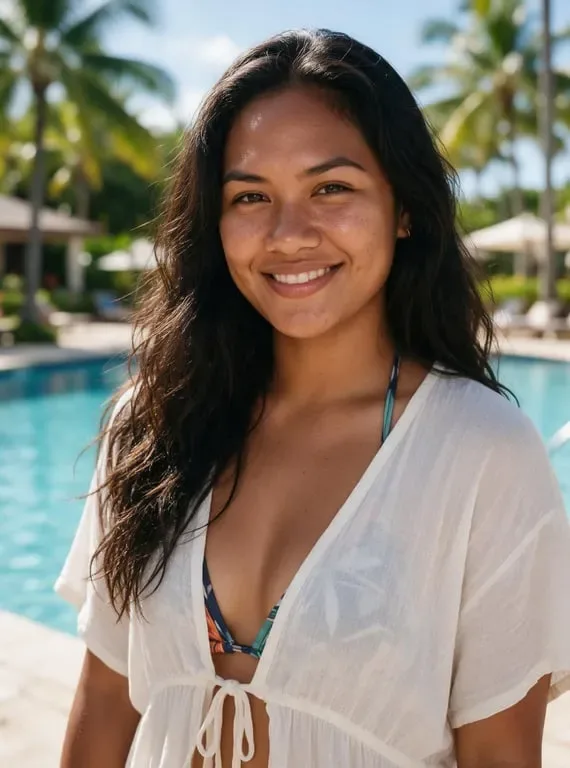

Create faster with examples
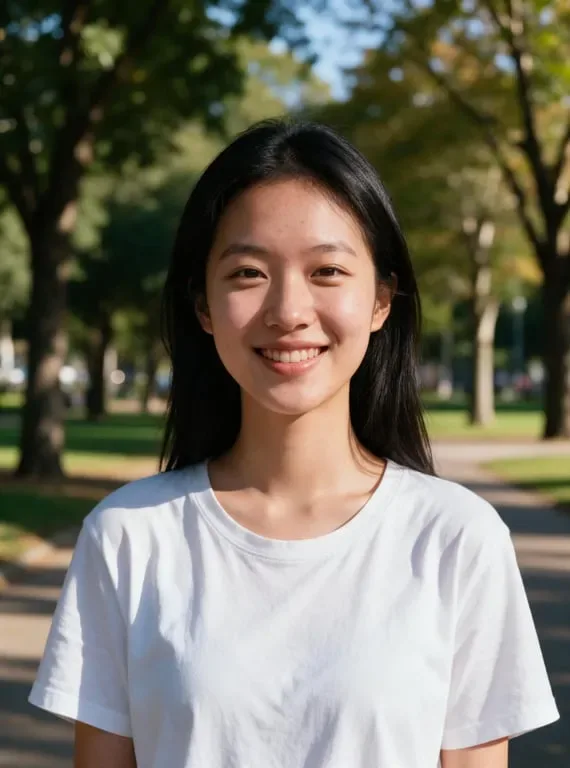
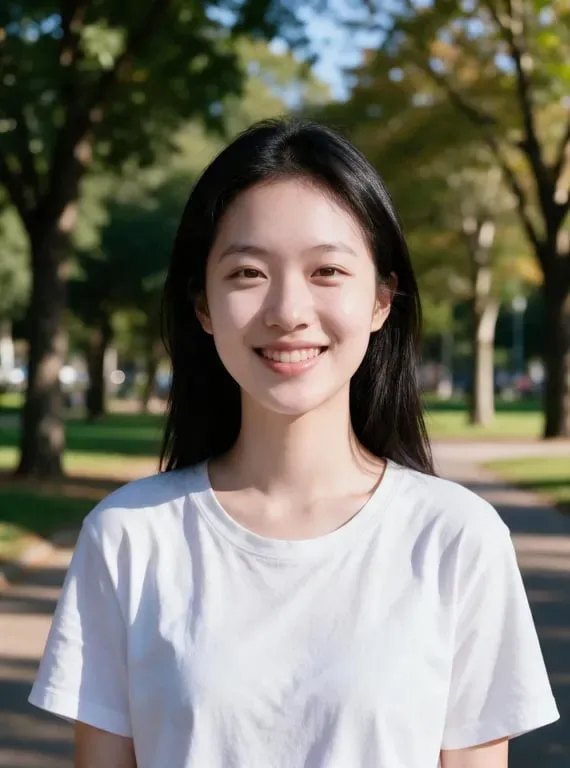


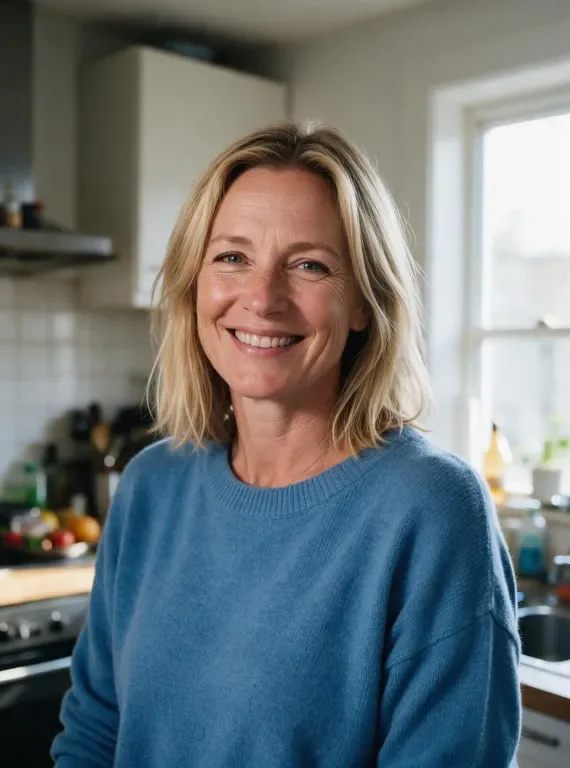
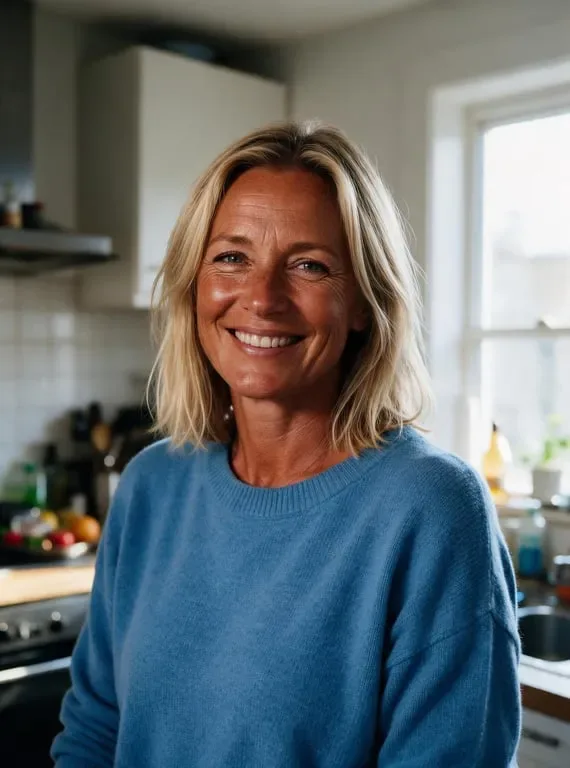


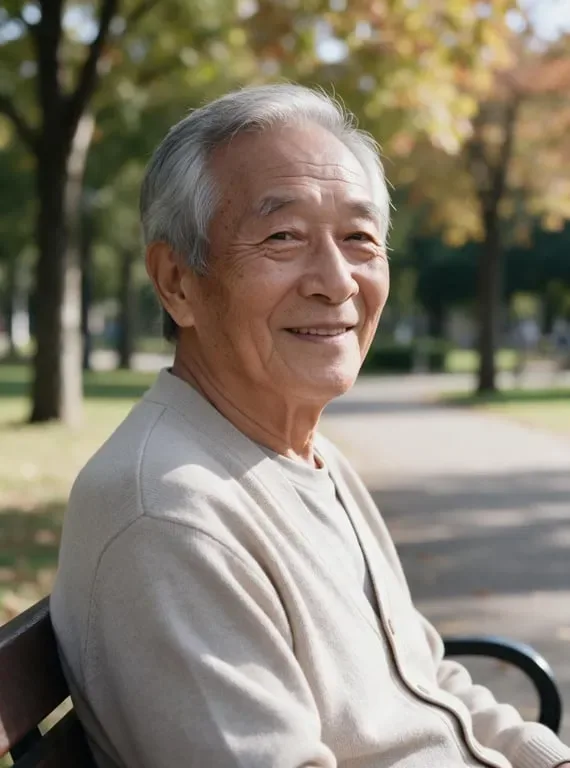
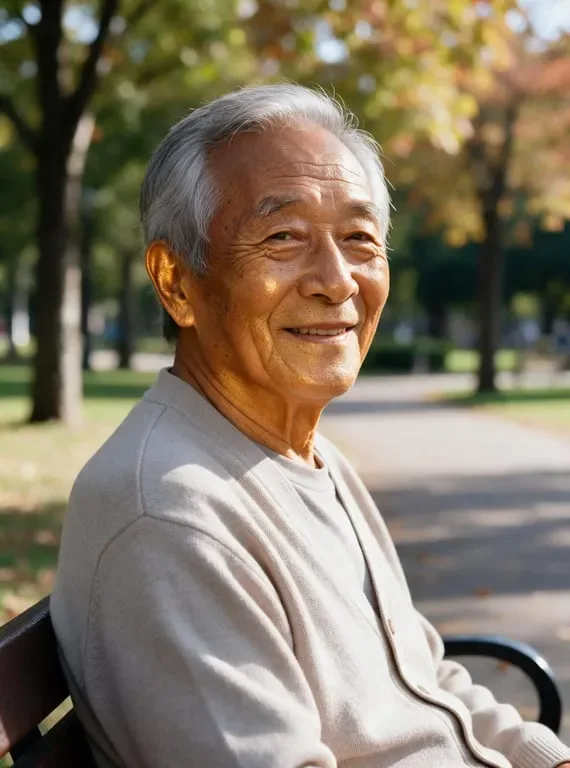
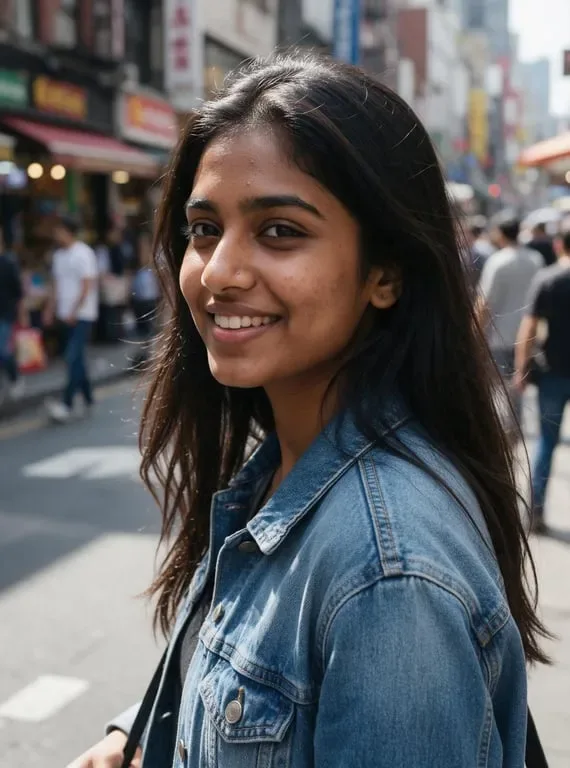
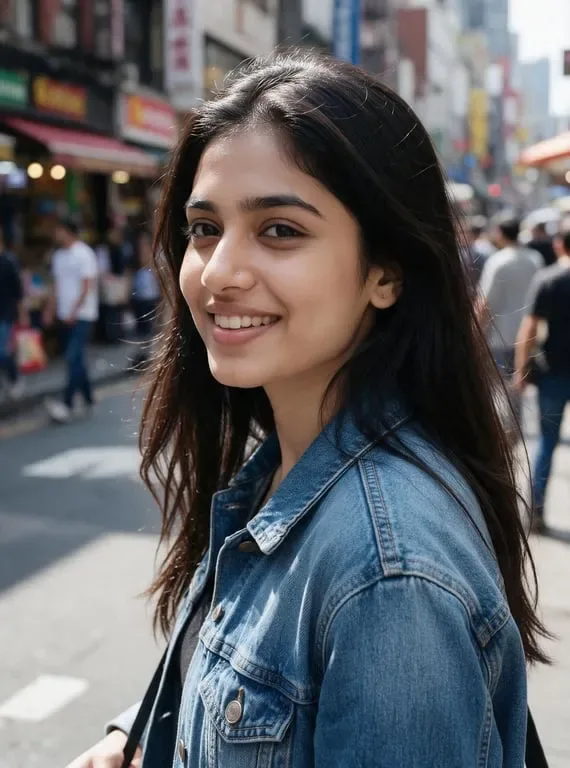




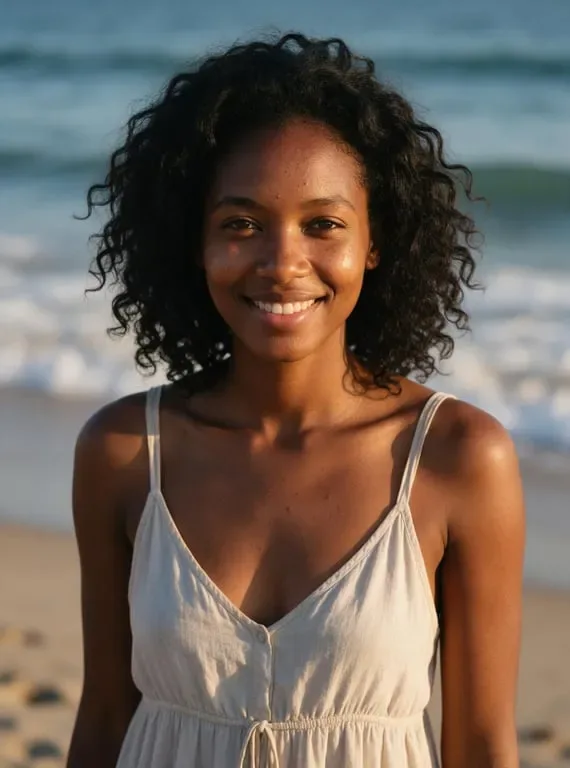
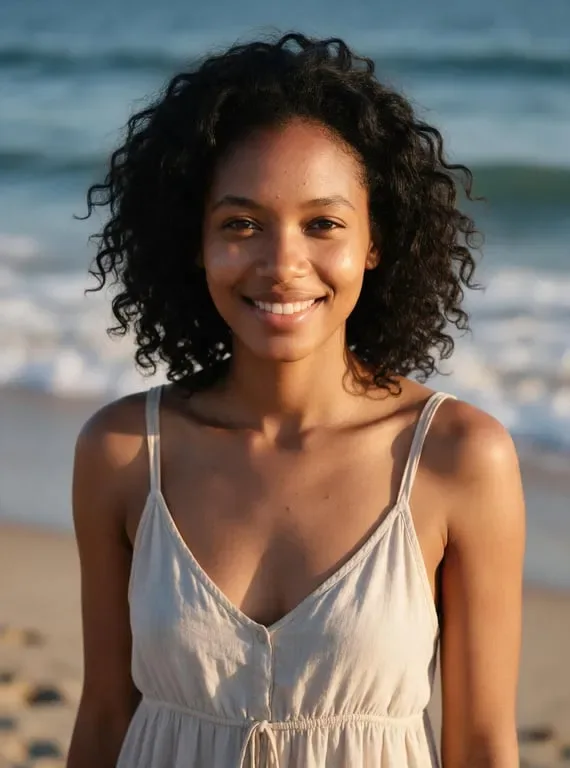
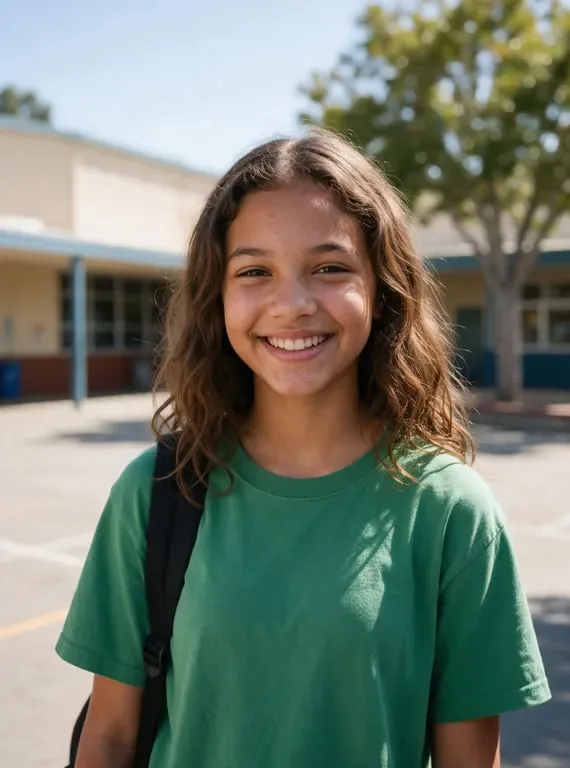
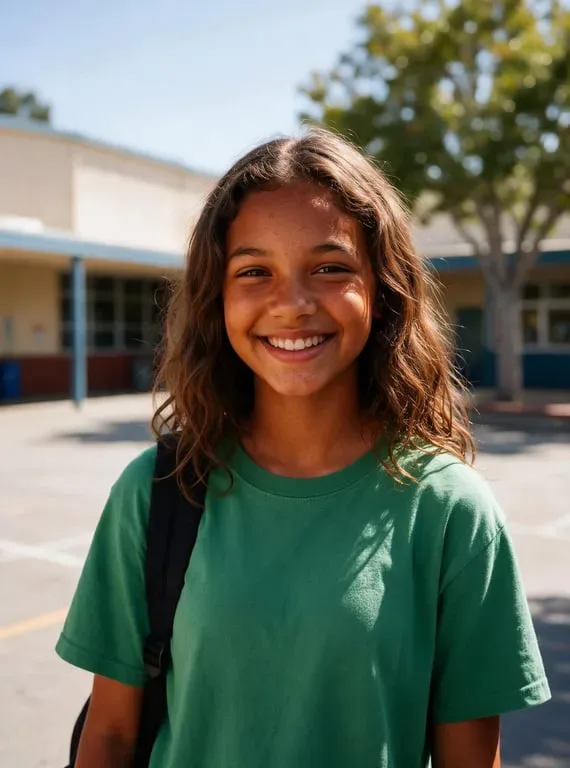
Section Title How people use AI Skin Color Changer for photo editing, fashion exploration and creative portraits
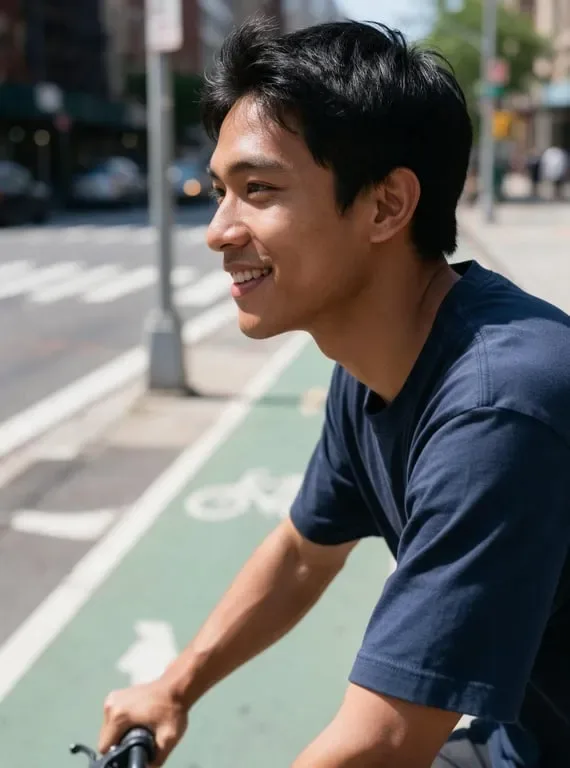
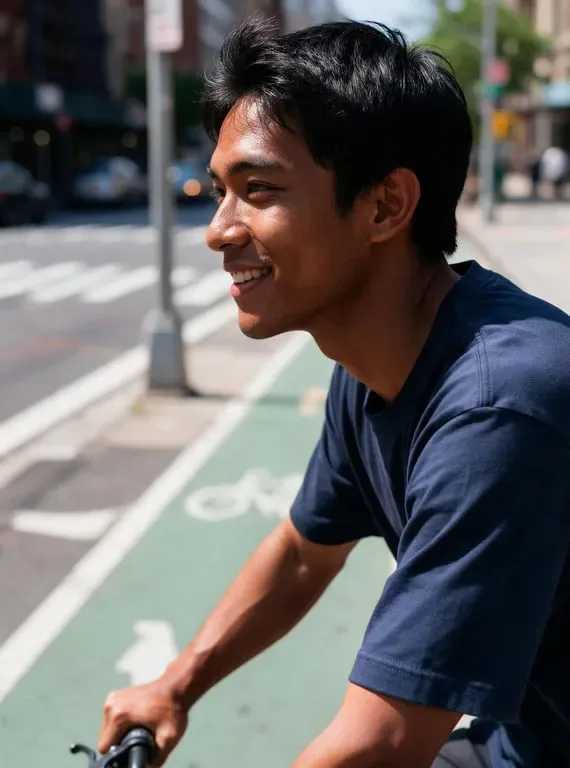
Visualizing Your Look Before a Tanning Session or Treatment
For anyone considering a spray tan, a tanning bed, or a skincare treatment that shifts skin tone, deciding without seeing the result first can feel like a gamble. Models, beauty lovers, and everyday people all face the same problem: you invest time and money, only to find the outcome does not match what you imagined. Toty removes that uncertainty. Upload a clear selfie and describe the tone you are considering, and the AI will analyze your features, match the tone to your lighting, and show you a realistic preview before you commit. It turns a blind commitment into an informed one, which is valuable whether you are planning a holiday glow, testing a new product line, or simply curious about how a different complexion would suit you.
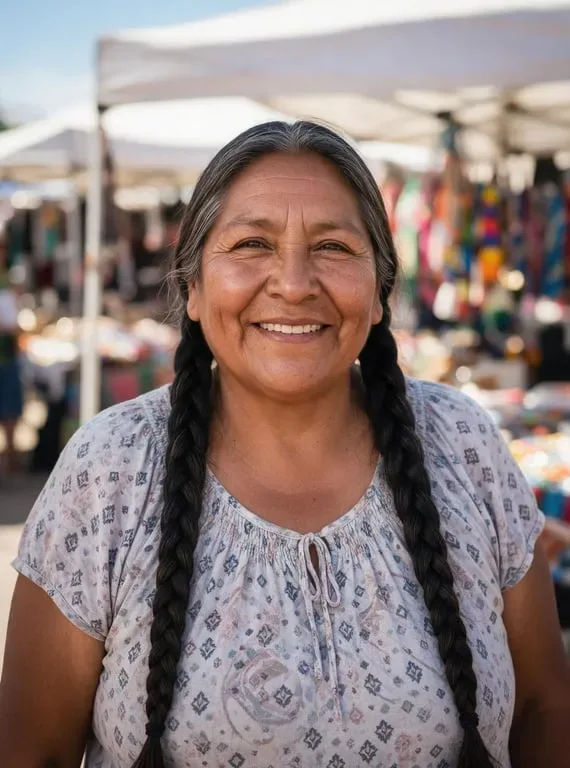
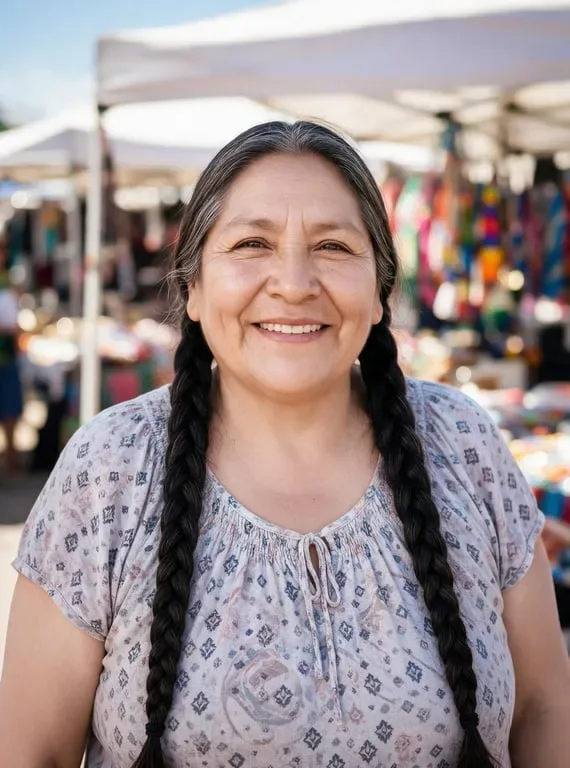
Creating Diverse Portfolio Images for Photographers and Designers
Professional photographers, graphic designers, and creative directors often need to present their work to clients from very different backgrounds. Building a genuinely diverse portfolio usually means organizing multiple shoots with models of different ethnicities and skin tones, which requires significant time, budget, and coordination. Toty offers creative professionals a practical shortcut. By uploading existing portraits and entering a simple prompt, designers can generate versions across a range of skin tones in seconds, then assemble a portfolio that represents a broader audience without booking studio time. Teams use it to visualize a concept before committing to a full production, to create inclusive campaign imagery, and to respond to client briefs faster. What used to require a day of coordination now takes minutes, while the results stay photorealistic enough to present directly to a client.

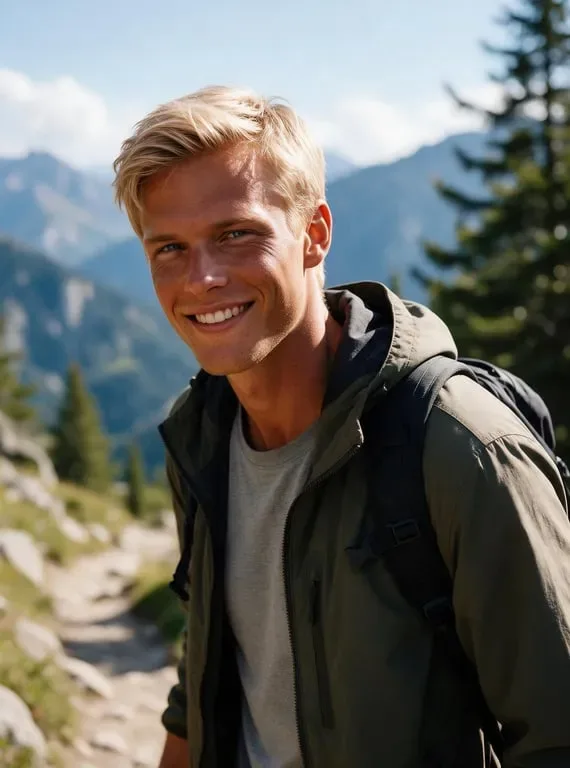
Building Inclusive Character Visuals for Games and Digital Art
Game developers, concept artists, and digital storytellers frequently need characters that represent a wide range of human appearances. Adjusting skin tone manually in illustration software takes technical expertise and can be slow, especially when a project has many characters or a style update forces you to revisit existing work. Toty simplifies this by letting artists upload a base character portrait and describe the desired tone shift. The AI applies a smooth, consistent transformation while preserving the character's expression, hairstyle, and clothing, so the identity of the original design stays intact. Artists use it to explore representation quickly, to refresh older assets for a new art direction, and to produce inclusive character sets without adding a full retouching pass to their pipeline.
Why Toty
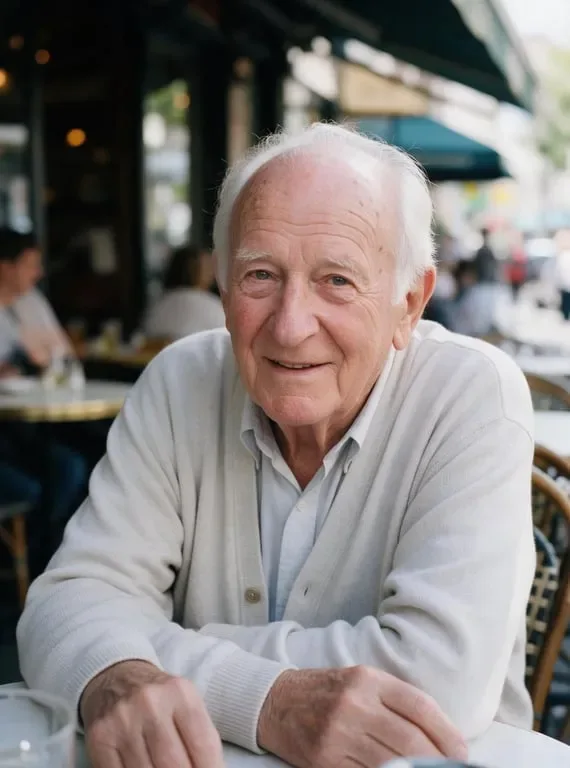
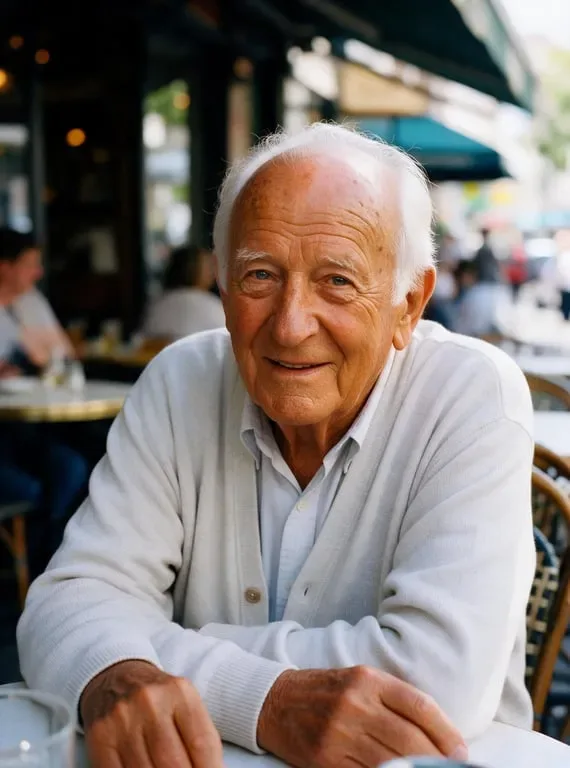
Photorealistic Results That Look Natural
Toty uses advanced image editing technology to analyze your photo and apply skin tone changes that blend seamlessly with your natural features. The AI takes into account the lighting in your original photo, your facial contours, and the color temperature of the scene. The result is a transformation that looks like it was captured by a camera, not edited by software. Shadows, highlights, and texture all adapt together so the final image feels completely authentic and ready to share or use professionally.
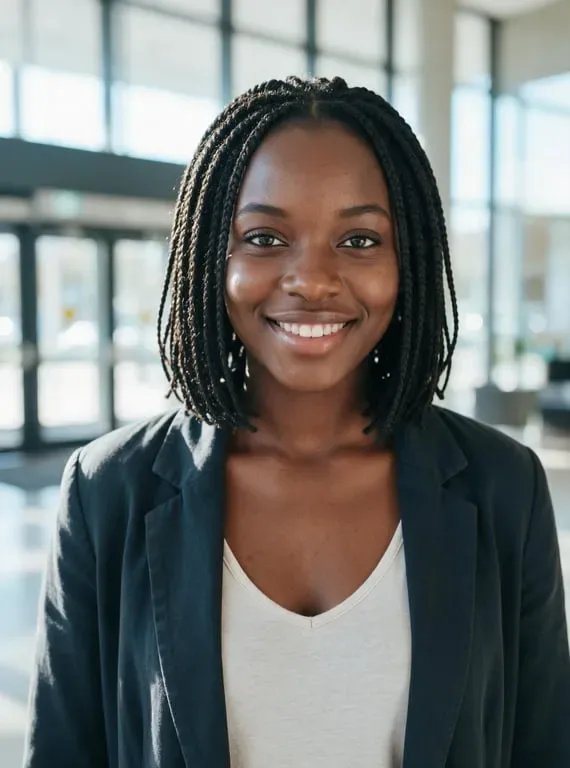
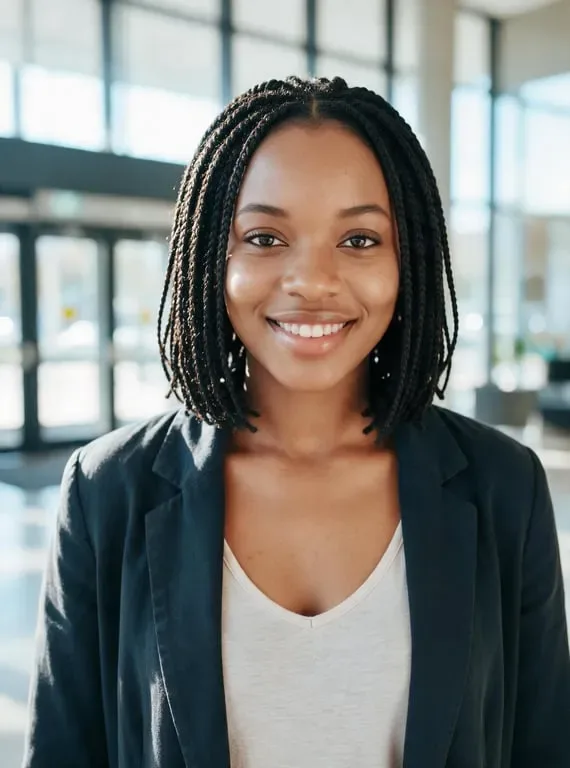
Instant Edits with Zero Learning Curve
You do not need any design skills or photo editing knowledge to use Toty. The entire process works through a simple text prompt. Upload your photo, type a description of the skin tone you want, and the AI handles everything automatically. There are no sliders to adjust, no layer masks to manage, and no complicated settings to configure. Anyone from a student exploring creative ideas to a professional preparing visual content can get high-quality results in under a minute without any prior experience.

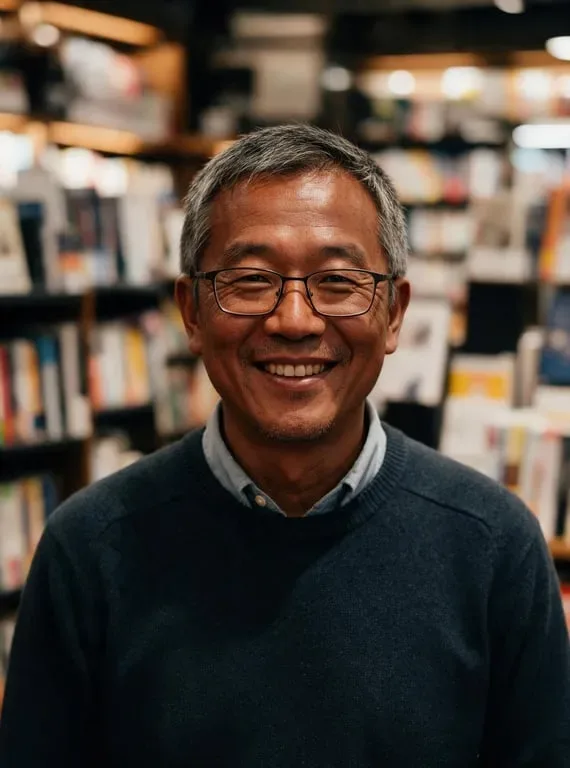
Completely Free with No Account Required
Toty offers its skin tone changer completely free with no account or signup required. Open the tool, upload your image, and start editing immediately. There is no subscription fee, no credit card required, and no limit on how many styles you can explore during your session. Whether you are testing an idea for a creative project, preparing a presentation, or simply curious about how a different skin tone would look on you, Toty gives you full access to professional-grade AI editing without any barriers or commitments.
How to create with Toty
Upload Your Photo
Go to the Toty skin color changer and upload any clear portrait or full-body photo. The tool works best with photos that have good lighting and show the face or skin area you want to transform. You can upload a selfie, a professional photo, or a character illustration. JPG and PNG formats are both supported and your image uploads in seconds.
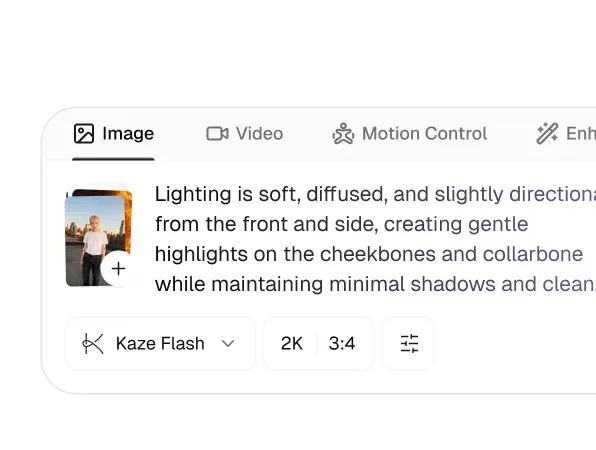
Describe the Skin Tone You Want
Type a simple prompt describing the skin tone result you are looking for. You can be specific, such as "warm caramel complexion with natural sunlight" or general, such as "lighter and more even skin tone." The AI understands natural language descriptions, so there is no need to use technical color codes or complicated terminology. Try different prompts to explore various looks and find the one that fits your vision best.
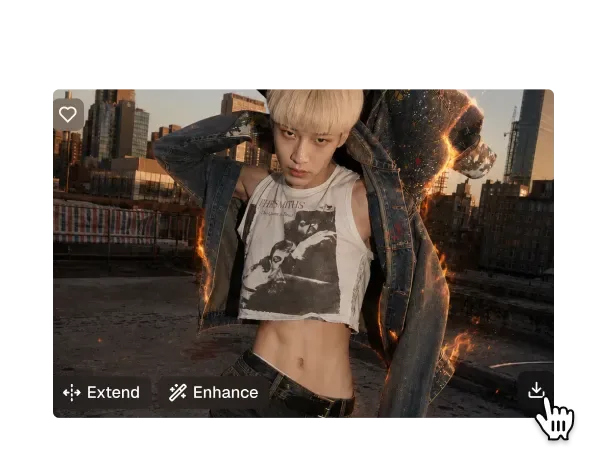
Download and Share Your Result
Once the AI generates your transformed image, preview the result and compare it with your original photo. If you are happy with the outcome, download the image in full resolution with one click. The file is ready to use for social media, presentations, portfolios, or personal projects right away. You can also go back and try additional skin tone variations without any limits or extra steps.

Trusted by over 1M creators
Community of over 1M+ users
Melissa J.
I was looking for a way to preview different skin tones for a diversity campaign—and Toty nailed it. The results were natural, smooth, and incredibly realistic. Game-changer for my visual planning.
Darren L.
I’ve tried tons of photo retouching tools, but Toty’s skin color changer feels intuitive and clean. No weird tones or filters—just natural, beautiful edits every time.
Amina K.
I used the skin tone adjuster to test different foundation matches on modeled images. This tool saves time and money while delivering spot-on visuals for my product pages.
Jason R.
I work on inclusive avatars for digital platforms, and Toty helps me quickly visualize characters across a full spectrum of skin tones. It’s easy to use, and results are pixel-perfect.
Tanya V.
Some of my clients request soft retouching, especially under different lighting. Toty gives me subtle yet professional-grade skin tone adjustments—no Photoshop required.

Taylor R.
Needed to explore different skin tones for a fashion lookbook project. This tool made it effortless — the results look completely authentic, not edited at all.
Frequently Asked Questions
Toty's Skin Color Changer is an AI-powered photo editing tool that naturally adjusts and transforms skin tones in any image. Whether you want to explore a lighter tone, a deeper complexion, a sun-kissed look, or a dramatic creative effect, Toty delivers smooth, realistic results while preserving your natural facial features and photo lighting.
Yes, completely free. No account, no subscription, and no credit card required. Upload your photo and change skin color online instantly — download your result with no watermark at no cost.
No login or signup needed. Toty's skin color changer works directly in your browser — just upload a photo and get your skin tone transformation in seconds with no registration required.
Yes. Your privacy is our top priority. All photos are fully encrypted, securely processed, and automatically deleted after editing. We never store, review, or share any user images.
No. Toty uses smart skin segmentation to isolate skin regions precisely while preserving the original colors of hair, clothing, and background — ensuring a seamless and realistic result with no unintended color changes to other areas of the photo.
Absolutely. Toty is widely used for makeup trials, diversity campaign visuals, character design, fashion editing, and artistic photo projects. Download your results and use them freely for personal, commercial, or creative purposes.
Explore more AI features
Discover new Toty features here