Piercing Filter
Upload your photo and add any piercing virtually. See exactly how it'll look before the needle touches your skin.
UploadUpload an image
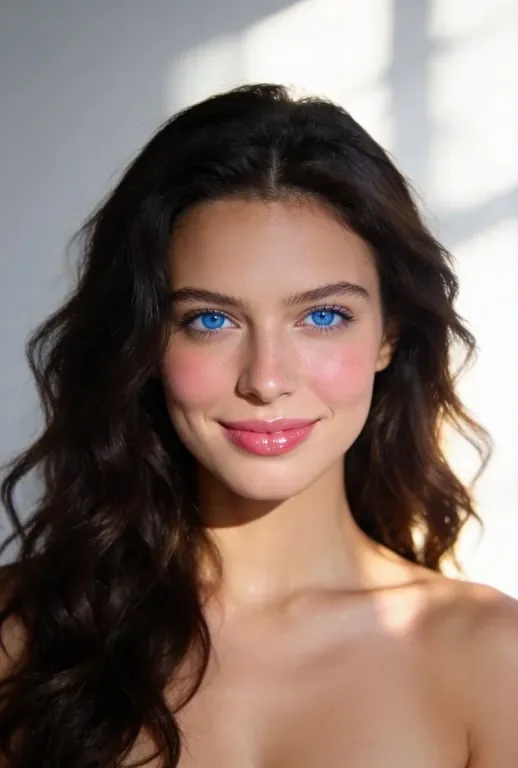
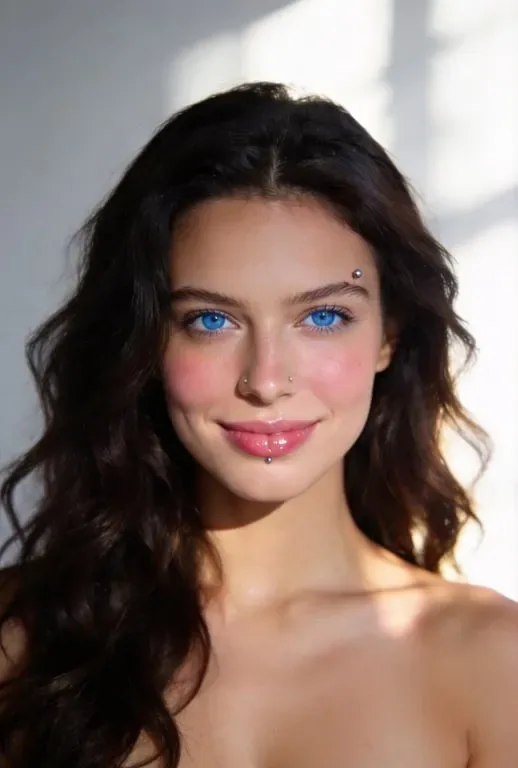
Create faster with examples
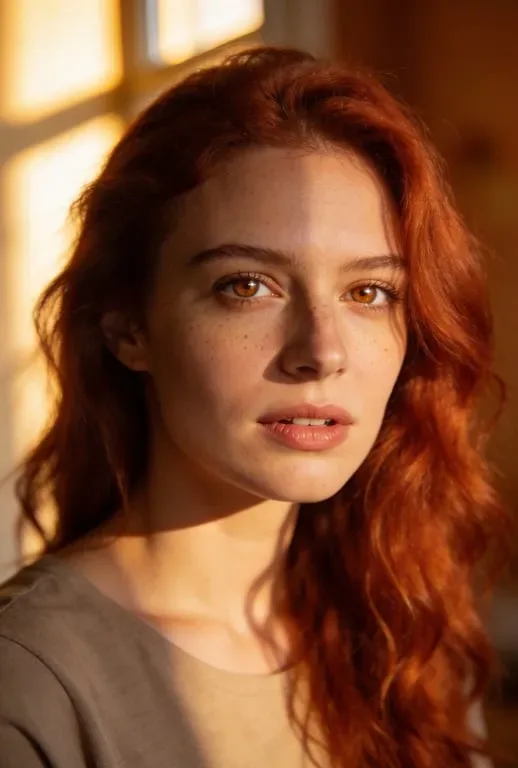
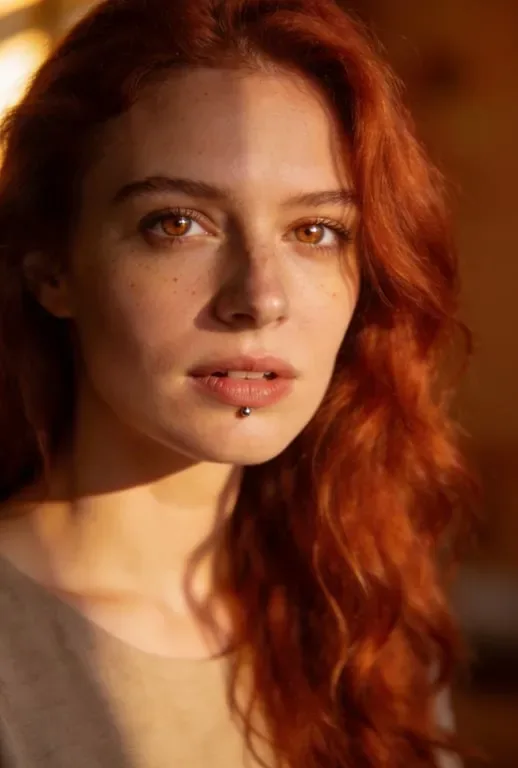


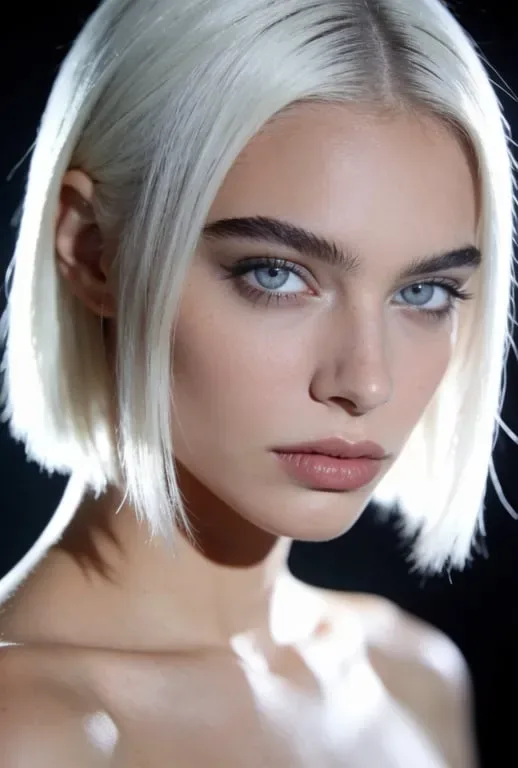
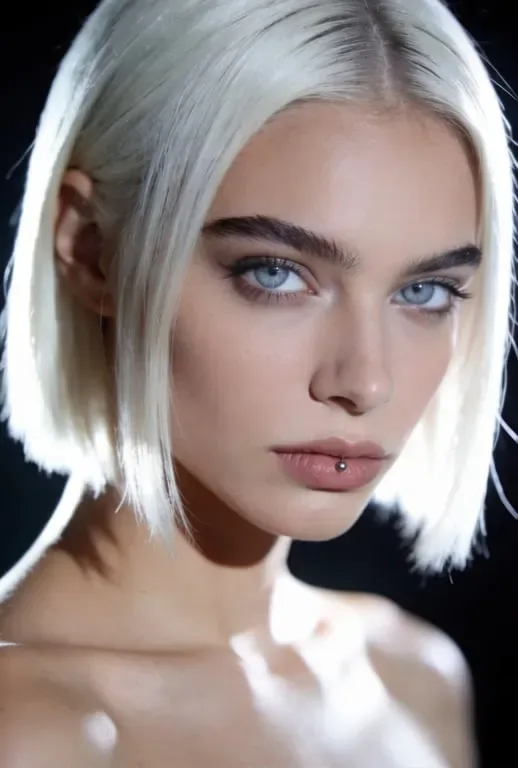
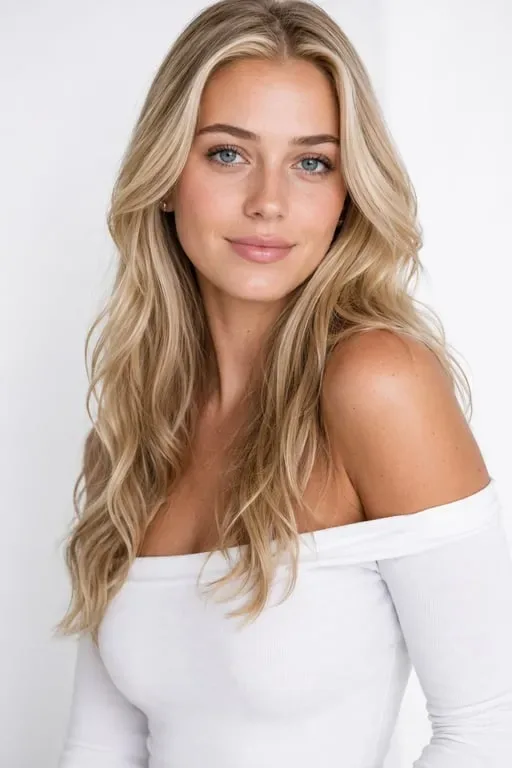
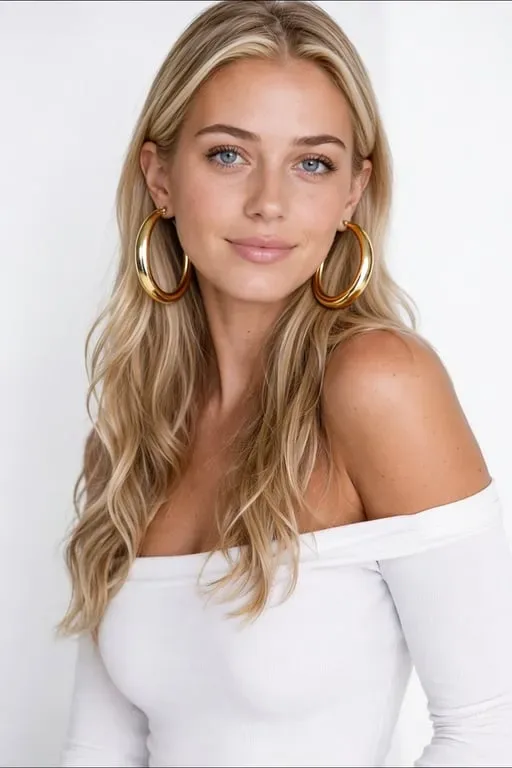
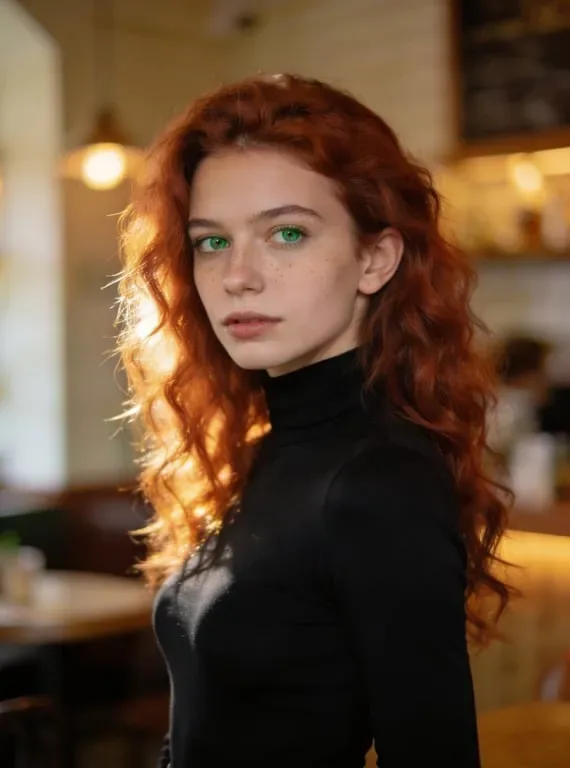
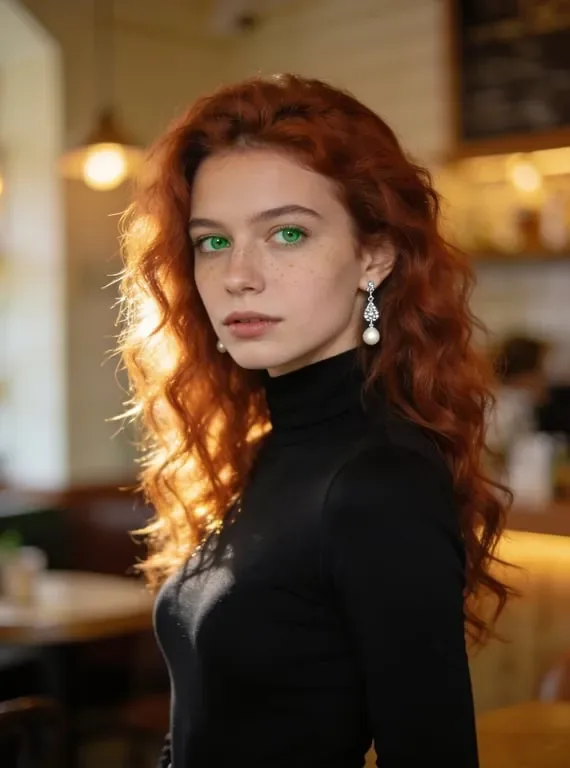
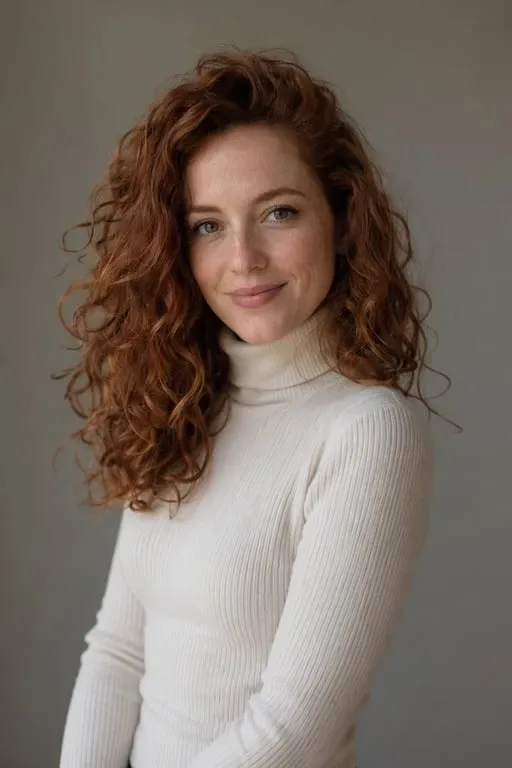
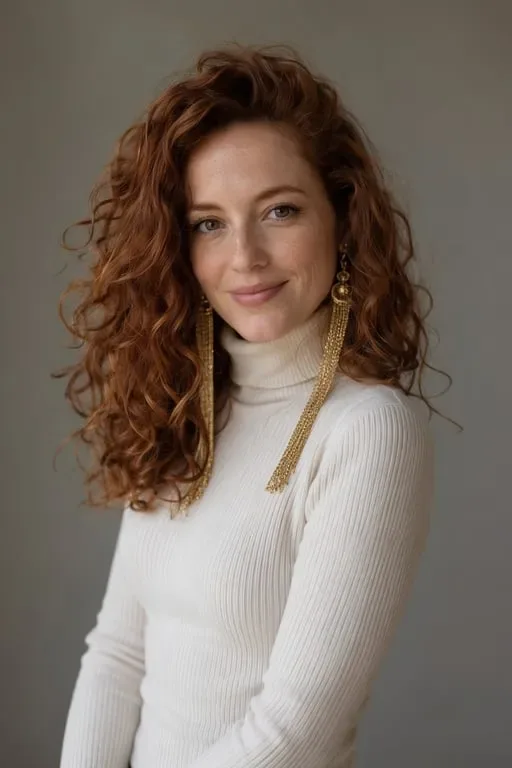




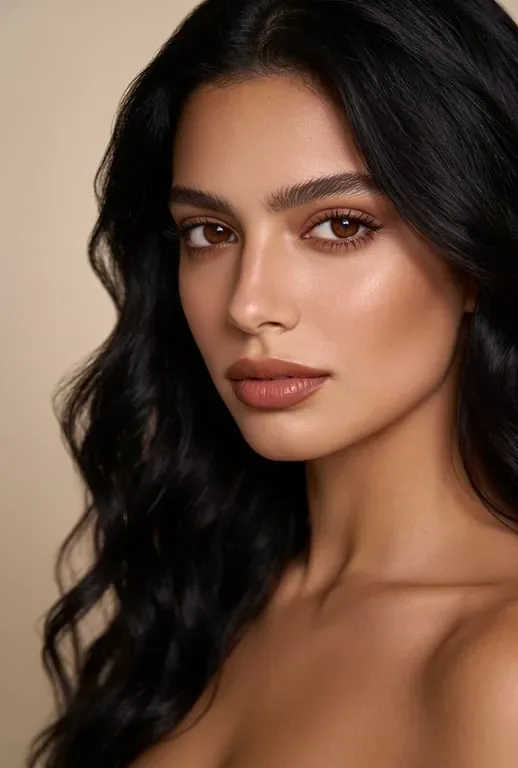
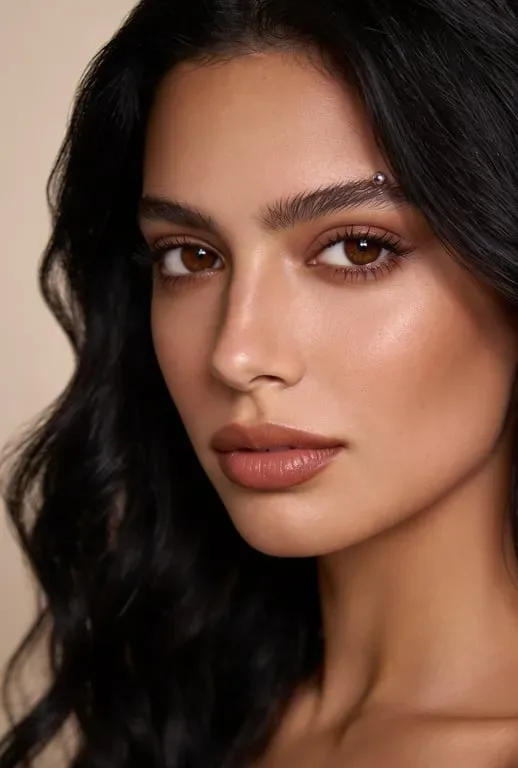
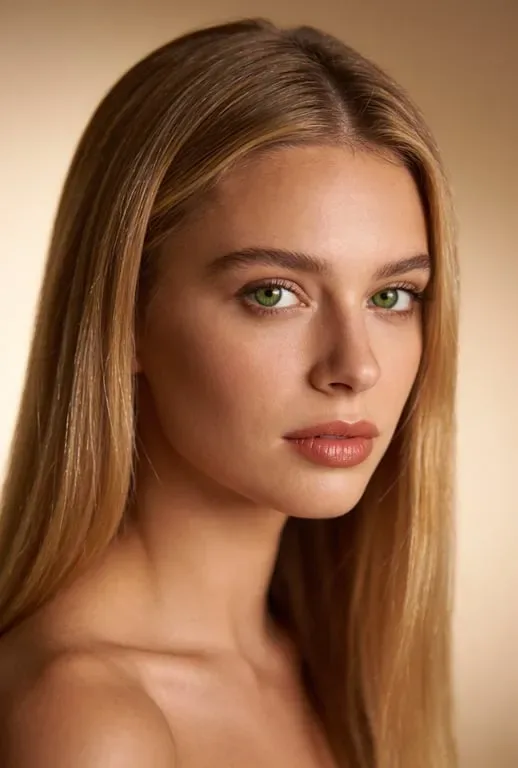
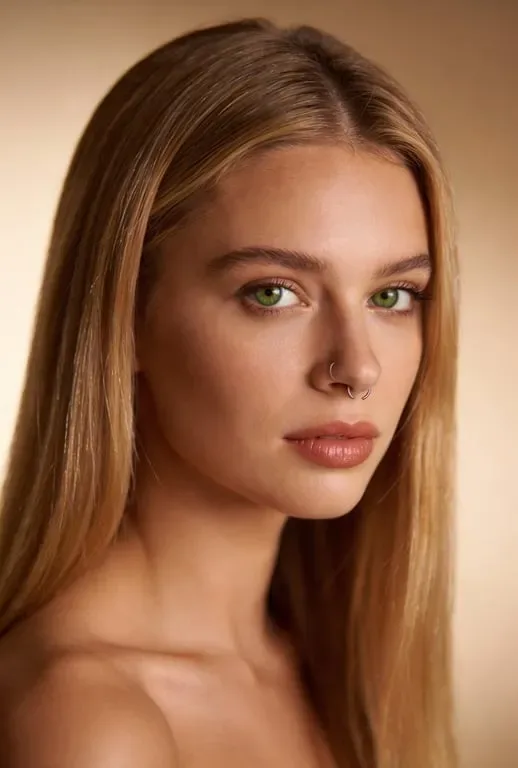
How People Use AI Piercing Filter


Piercing Enthusiasts Preview New Additions Before Committing
Deciding on a new piercing involves a permanent body modification, a commitment that is usually reversible but still requires healing time, discomfort during the procedure, and specific aftercare. Wanting to see exactly how a piercing would look on your own face and body before making that commitment is a completely reasonable concern. Professional piercers consistently report that the most common anxiety before an appointment is whether a particular style will suit the client's unique features. Toty's piercing filter gives clients a way to answer that question before booking. Upload a clear portrait and describe the placement and jewellery you are considering, and the AI renders a realistic preview on your own features. Clients arrive at their appointment with a clearer idea of the result, which leads to better decisions, fewer last-minute changes, and a smoother overall experience.
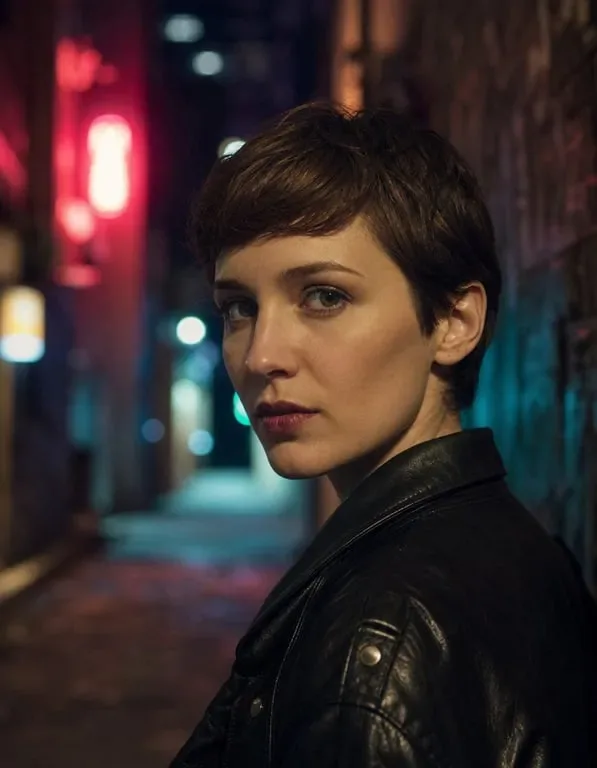
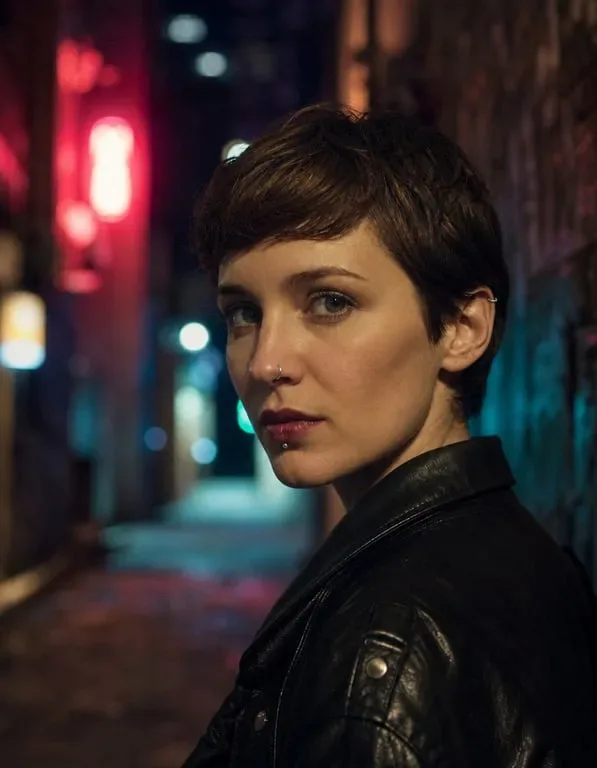
Body Modification Communities Share and Explore Piercing Aesthetics
Online communities dedicated to body modification — piercing-focused subreddits, Instagram accounts, TikTok channels — create significant content around piercing aesthetics, jewelry recommendations, and modification planning. The AI piercing filter enables community members to participate more actively in this creative culture: generating and sharing concepts for piercings they're planning, creating "what my future ear will look like" posts, and engaging with others' modifications in a visual and aspirational way. Content creators in this space use the filter to generate high-engagement "piercing glow-up" or "my piercing plan" content that demonstrates the transformative aesthetic potential of body jewelry to their audiences. The visual specificity of seeing yourself — your actual face, your specific ear — with planned piercings creates authentic, personal content that resonates more deeply with audiences than generic jewelry imagery.
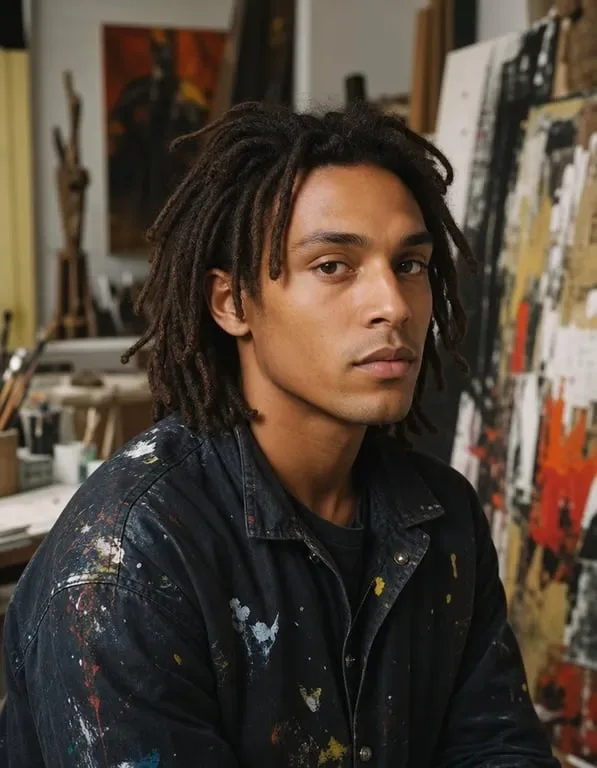
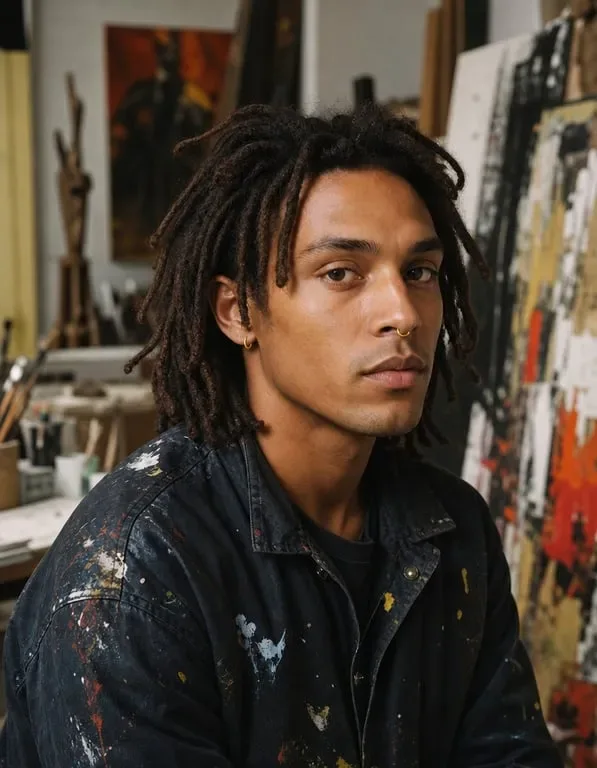
Professional Piercers and Studios Enhance Client Consultations
Forward-thinking piercing studios use virtual piercing tools as part of their client consultation process. Rather than describing in words how a septum ring will fall or how a curated ear arrangement might look, piercers can now generate a realistic visual preview for clients on the spot — showing them exactly what their planned modification will look like on their specific features. This visualization tool transforms the consultation experience: clients make more informed decisions, have more realistic expectations about the final result, and leave consultations with greater confidence and excitement. Studios that offer virtual previews as part of their service consistently report higher client satisfaction scores and lower rates of regret-driven modification changes. The professional use of AI visualization signals a commitment to client experience that differentiates quality studios from basic walk-in shops.
Why Toty


See Before You Pierce — Zero Regret Preview
The only thing better than a great piercing is being certain it's right before you get it. Toty's piercing filter shows you exactly how any piercing will look on your specific face before you commit to the modification. Try every style that interests you, compare options, and arrive at your appointment with total clarity about what you want.


Realistic Jewelry Rendering, Not a Cartoon Filter
Toty renders virtual piercings with photorealistic detail — accurate metal finishes, correct anatomical placement, proper scale relative to your features, and natural integration with your skin and ear cartilage. The result looks like an actual photograph of you with real piercings, not a digital sticker or overlaid graphic. This realism is what makes the preview genuinely informative rather than just entertaining.
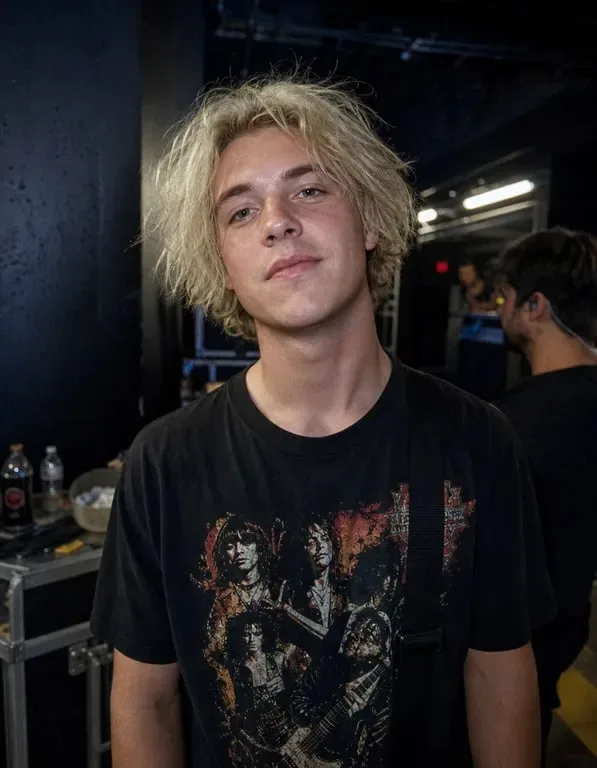
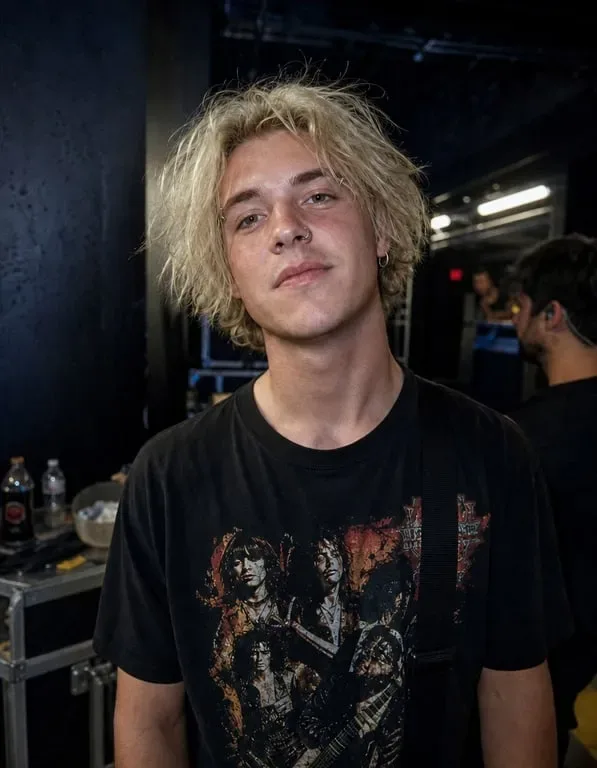
Explore Your Full Piercing Vision in One Session
Planning a complete ear curation with six new piercings? Curious whether that nose piercing you've been considering for years would actually suit you? Wondering if an eyebrow piercing matches your aesthetic? With Toty, you can explore your entire body modification wishlist in a single creative session — adding, removing, and comparing piercings across your entire face and ears in minutes.
How to create with Toty
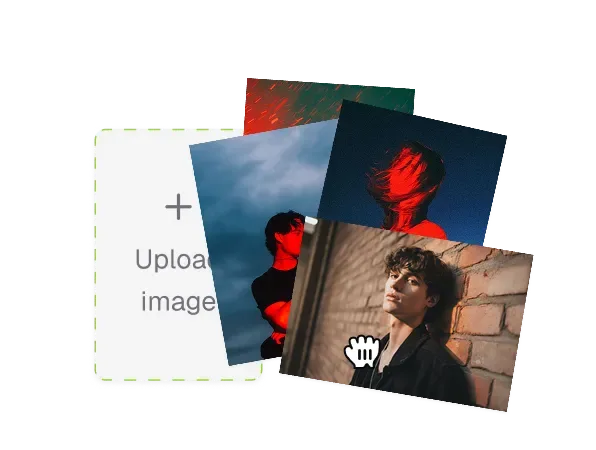
Upload Your Photo
Upload a clear photo of your face and ears. A front-facing portrait or slight angle shot with good lighting produces the most accurate placement and realistic result. For ear piercings, ensure your ear is clearly visible in the photo. Remove existing earrings temporarily if you want to test new arrangements without confusion.
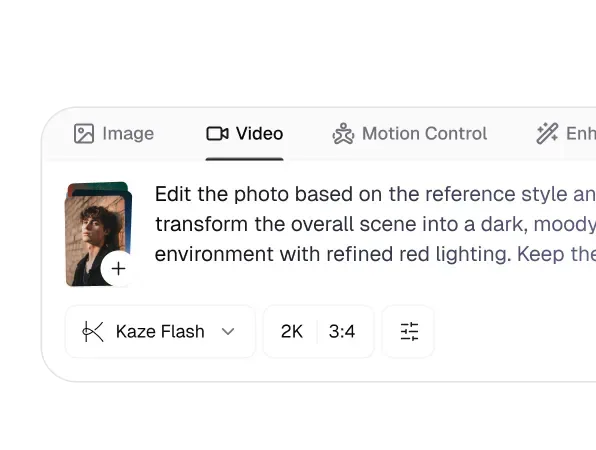
Describe Your Desired Piercings
Type your piercing instruction in the chat — "add a small gold septum ring and a conch piercing," "show me with a full curated ear stack," or "add a nostril stud to my right nostril." Be specific about jewelry type (stud, hoop, ring, barbell), metal color (gold, silver, rose gold), and size. Toty places piercings in anatomically correct positions with appropriate jewelry rendering.
Compare and Decide
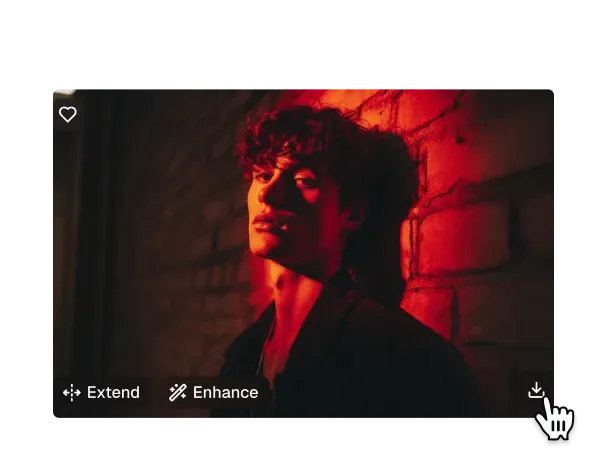
Download your virtual piercing preview and compare different options. Share with your piercer for a productive pre-appointment consultation. Come to your piercing session with complete visual clarity about what you want — no uncertainty, no anxiety, just excitement about the modification you've already visualized perfectly.

Trusted by over 1M creators
Community of over 1M+ users

Lila M.
I’ve always wanted to try out different piercings but was too nervous to commit. Toty’s piercing filter gave me the exact look I imagined—totally realistic and Instagram-ready!
Marcus D.
I use Toty to test piercing styles for my models before shoots. It saves editing time and lets us visualize the final vibe instantly. Super helpful for editorial planning.

Ayaka S.
I needed mockups for my earring and nose ring collections—this filter made it ridiculously easy to show off my pieces on different face types. Sales jumped 12% after the update!
Elijah T.
Our shop uses Toty to help customers see what they’d look like with new piercings. It’s boosted confidence and decision-making—clients love seeing the “after” before even starting.
Tania G.
Whether it’s a septum ring for a character or a full ear stack, this filter delivers sharp, HD results every time. Way better than manually editing in props. Highly recommend!
Frequently Asked Questions
Toty's Piercing Filter is an AI-powered photo tool that adds realistic virtual piercings — including nose studs, eyebrow rings, lip piercings, septum rings, ear piercings, and more — to any portrait photo. It's a risk-free way to preview exactly how different piercings would look on your face before booking an appointment.
Yes. Our AI uses advanced rendering to match skin tone, lighting, facial angle, and metallic texture, ensuring the piercing jewelry blends naturally into your photo — exactly as real jewelry would look in a photograph.
Yes. Once you're happy with your virtual piercing result, download the high-resolution image with no watermark — for personal use, social media sharing, or jewelry brand mockups.
Exactly. Toty lets you experiment with any piercing placement and style without pain, healing time, or permanence. It's the ideal way to decide before booking a real piercing appointment.
Your privacy is our priority. All uploaded images are fully encrypted, processed securely, and automatically deleted after rendering. We never store or share your photos.
Yes, completely free. No account, no subscription, and no credit card required. Upload your photo and try virtual piercings online instantly — download your result with no watermark at no cost.
No login or signup needed. Toty works directly in your browser — just upload a photo and get your piercing preview in seconds with no registration required.
Explore more AI features
Discover new Toty features here