AI Age Progression
Upload any photo and watch AI transform faces across decades. See yourself 30 years older, picture your child grown up, or turn back the clock on any portrait. All in seconds.
UploadUpload an image


Create faster with examples




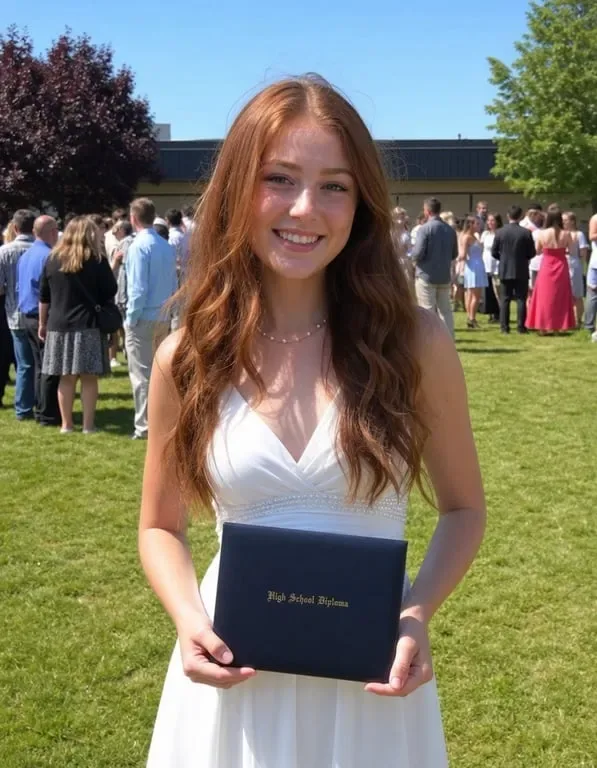
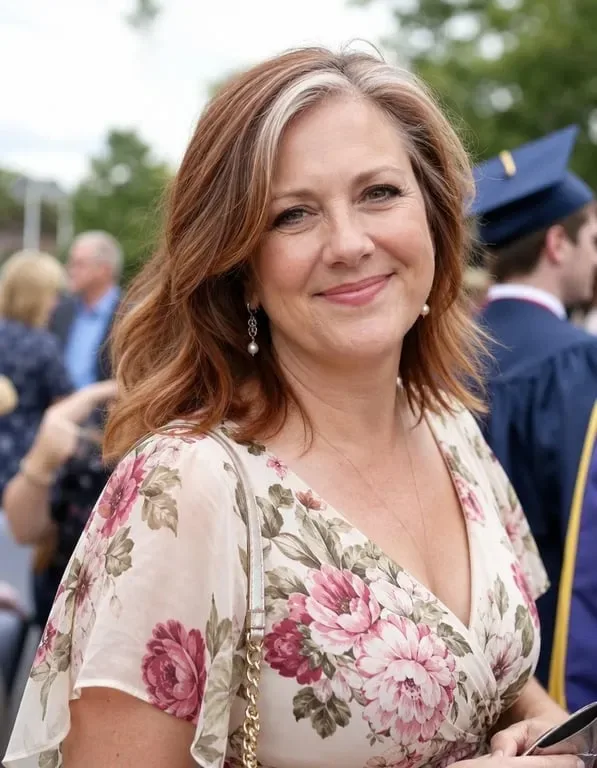


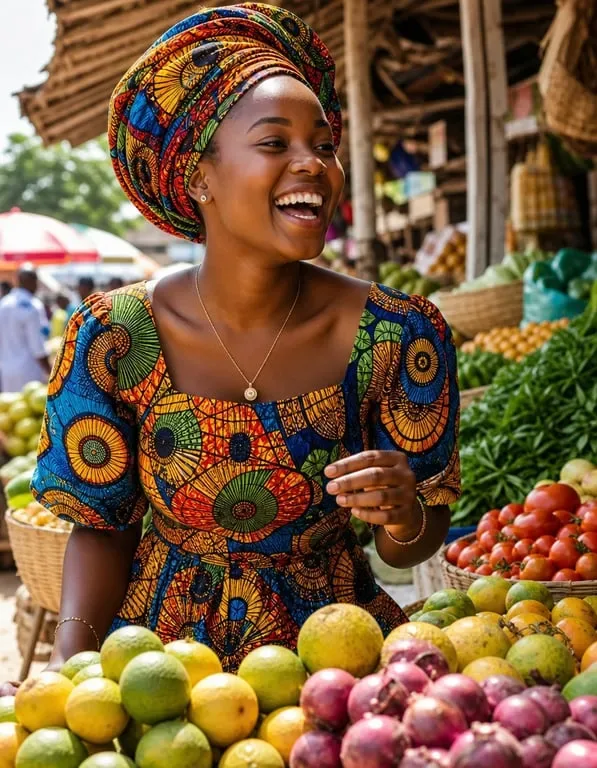
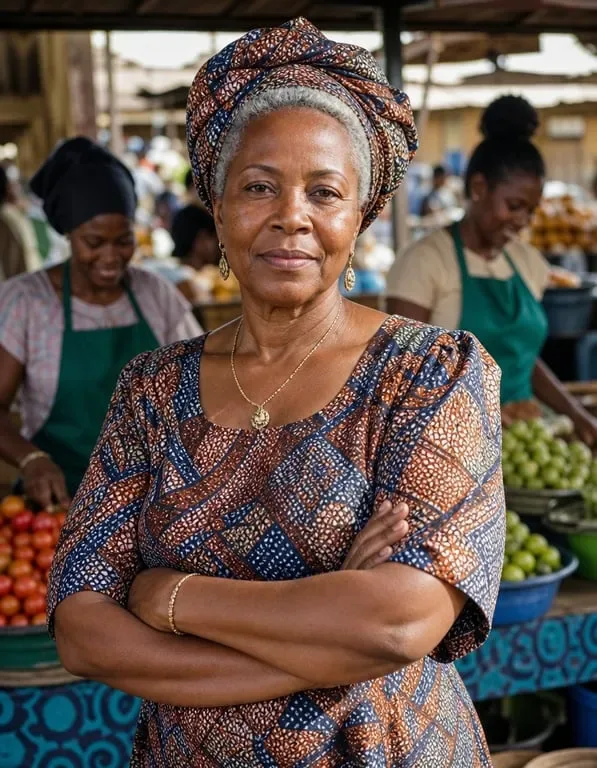



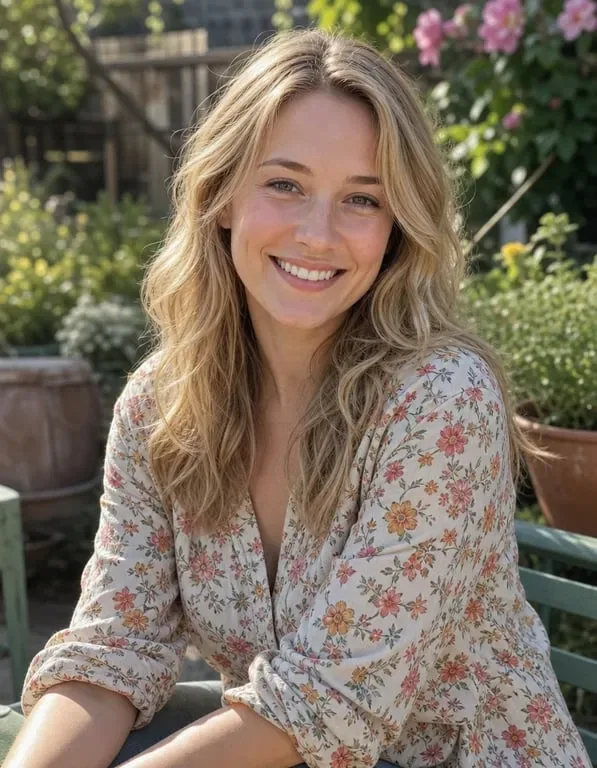






How people use AI Age Progression for family storytelling, film previsualization and personal curiosity


Preserving Family Memories Across Generations
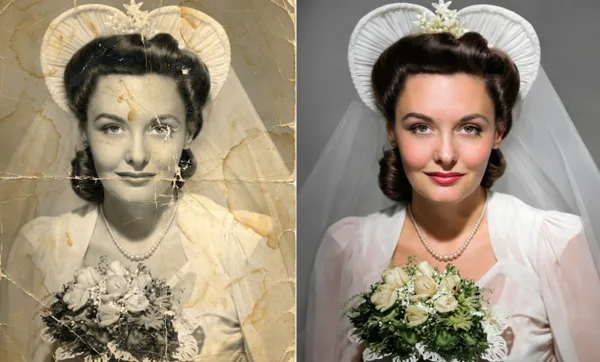
Families often struggle to imagine what their loved ones looked like at different stages of life. Old photographs may be lost, or a grandparent may have passed away before their grandchildren were born, leaving an entire generation unable to connect to their family history. Parents want to see the children they remember as infants grow into adults, and adult children value being able to imagine their grandparents as vibrant younger people. Toty's age progression tool lets anyone upload a family portrait and see how a face changes across decades, producing a natural, convincing result that feels like a genuine photograph from another era. Families use it to visualize a timeline for an anniversary, to create meaningful memorial imagery, or simply to reconnect with relatives they never met.
Film and Video Production Previsualization
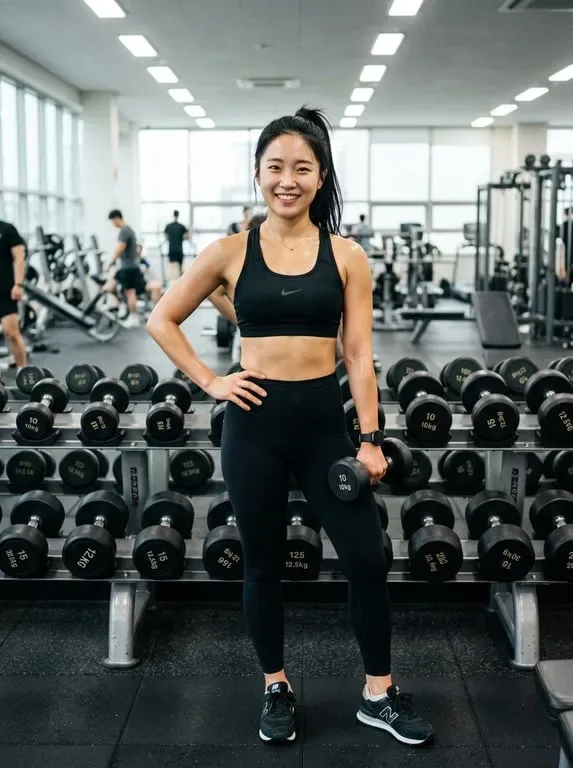
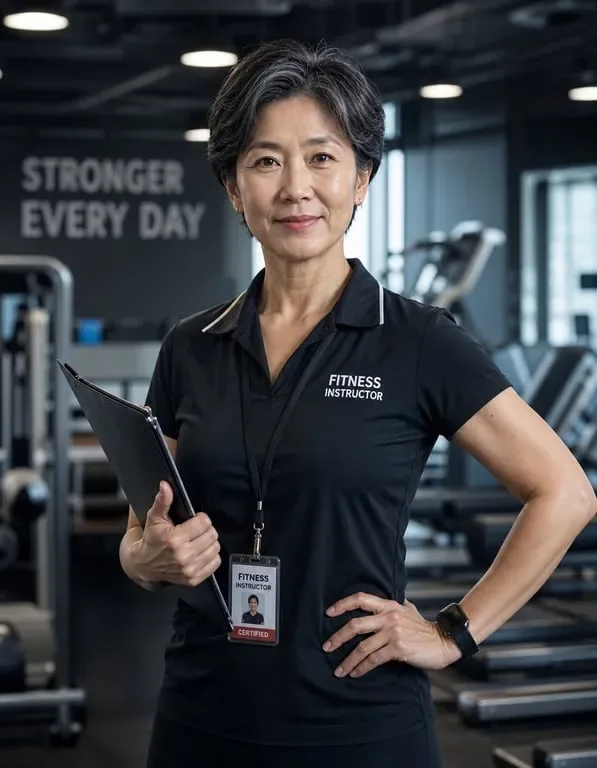
Film directors and producers constantly face the challenge of casting actors for different ages, or planning makeup and effects to age or de-age a performer. Traditional approaches involve expensive screen tests, lengthy makeup sessions, and specialist visual effects work, all of which can delay production and inflate the budget considerably. Toty provides a fast, affordable previs alternative. A director can upload a headshot of an actor and immediately see how they might look twenty or forty years older, or how a younger version would read on camera. This makes casting conversations concrete and keeps creative discussions grounded in the actual face. Producers use it to shortlist options, to brief a makeup department with a clear visual target, and to secure alignment with casters and financiers before anyone is on set.


Personal Curiosity and Creative Social Media Content
Social media creators and curious users are always looking for fresh ways to hold attention and explore identity through content. Wondering what you might look like in twenty or thirty years is a universal fascination, and age progression content consistently performs well on platforms like TikTok and Instagram. Most people simply lack the photo editing skills or software to produce a convincing aged transformation themselves. Toty removes that barrier. Upload a clear photo, describe the age or era you want, and the AI renders a believable result in seconds. Creators use it for nostalgic storytelling series, birthday and milestone posts, and concept content, while individuals use it to satisfy simple personal curiosity. The images are photorealistic enough to feel authentic, so viewers engage with the story rather than questioning the edit.
Why Toty


Photorealistic Face Aging That Preserves Your Identity
Most age progression tools distort facial features or produce results that look nothing like the original person. Toty uses advanced generative models trained on millions of aging patterns to produce transformations that are both convincing and identity-preserving. Wrinkles, skin texture changes, hair color shifts, and structural changes all develop naturally based on the specific face in your photo. The result looks like an actual photograph taken decades apart, not a filtered or distorted version of the original image.


Works on Any Face, Any Starting Age
Whether you are uploading a childhood photo, a portrait from your twenties, or an image of an elderly relative you want to see rejuvenated, Toty handles any starting age with equal precision. The AI automatically detects facial landmarks and adjusts the aging or rejuvenation process accordingly. You can take someone from 5 years old to 40, or from 80 back to 30, with results that maintain anatomical accuracy and photographic realism throughout the entire transformation.


Instant Results with No Technical Skills Required
You do not need Photoshop, design experience, or any technical knowledge to create stunning age progression results with Toty. The entire process happens through a simple chat interface where you upload your photo and describe what you want in plain language. The AI handles all the complex rendering behind the scenes and delivers your result in seconds. No account creation, no credit card, no software installation. Just visit Toty in your browser, upload your photo, and get your result instantly.
How to create with Toty
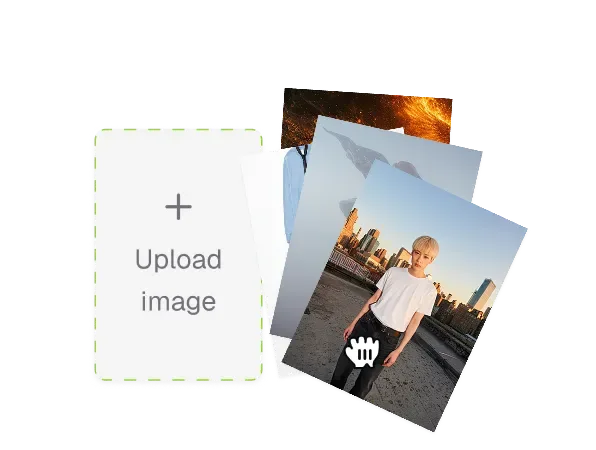
Upload Your Photo
Visit Toty and open the AI Age Progression tool. Click the upload button to select any photo from your device, or drag and drop an image directly into the workspace. The tool works best with clear, well lit portrait photos where the face is fully visible and centered. Both recent digital photos and scanned older prints produce excellent results.
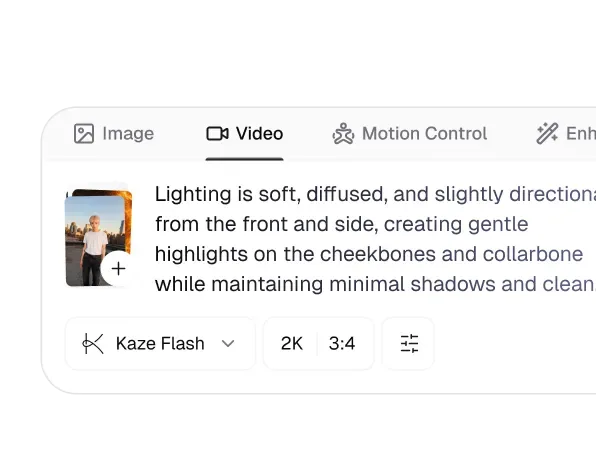
Describe Your Age Transformation
Type a natural language prompt describing exactly what age transformation you want. Be specific for best results. For example, write "Make this person look 60 years old with natural wrinkles and gray hair" or "Show what this child will look like as a young adult at age 25." The more detail you provide, the more precisely the AI will interpret your vision.
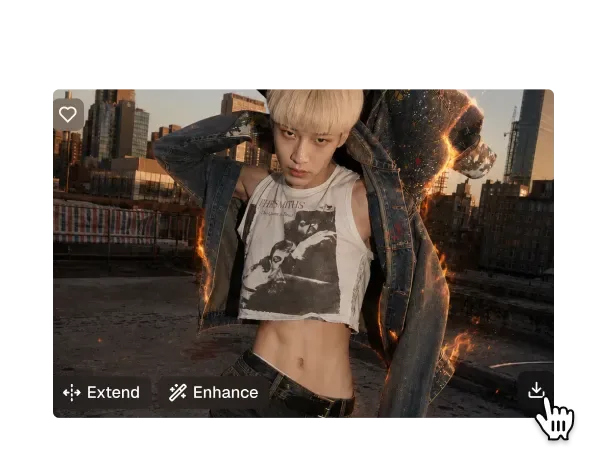
Download and Share Your Result
Toty processes your request within seconds and displays your transformed photo alongside the original. Review the result and download it with a single click. You can share directly to social media, save to your device, or continue experimenting with different age prompts on the same photo. No watermarks on your downloaded image and no account creation required to get started.

Trusted by over 1M creators
Community of over 1M+ users
Daniel H.
"I used Toty to see what my 5-year-old daughter might look like as a teenager — and the results were so realistic it made me emotional. It's like glimpsing into the future. Absolutely beautiful."

Priya S.
"This is more than just a fun app — Toty helped me recreate how my grandparents might have looked in their later years. It brought my whole family closer together."
Chris M.
"We used Toty in a classroom project to visualize ourselves at different ages. The students were amazed — it sparked genuine curiosity and meaningful conversations about aging and life goals."

Alina R.
"Tried the age progression feature out of curiosity for skincare content — but it turned into a hit post with 20K+ likes! Toty’s results were so vivid and natural-looking."
Jamal T.
"Compared several tools side by side, and Toty easily had the most lifelike aging results. Subtle, detailed, and accurate. It's now my go-to recommendation!"
Frequently Asked Questions
Yes. After generating your age-transformed image, click the Download button to save it in high-resolution format — completely free with no watermark. Perfect for printing, sharing on social media, or saving for fun before/after comparisons.
Yes, completely free. No subscription, no credit card, and no account required. Upload your photo and get your age progression result instantly online at no cost.
No login or signup needed. Toty's age progression tool works directly in your browser — just upload a photo and get your aged result in seconds with no registration required.
Yes. Toty works well on child and baby photos. Upload a clear portrait of your child to see a realistic progression of how they might look as a teenager or adult. The AI adapts to younger facial features to generate age-appropriate results.
Toty's age progression is powered by advanced machine learning trained on diverse facial data. While results are visually realistic, it's a simulation designed for fun, curiosity, and creative exploration — not scientific prediction of your actual future appearance.
Absolutely. Many users incorporate age progression into storytelling, character design, family scrapbooks, school projects, and social media campaigns. Download your results and use them freely for personal or creative purposes.
Explore more AI features
Discover new Toty features here